Windows · NVIDIA + AMD/Intel · open source · numbers first
The inference engine
designed for one machine.
Cloud inference is stateless, batched, and generic — because it serves strangers. Your machine serves one person, forever. Pounce is what running a model looks like when you design for that: ~1.8× faster decode than the leading desktop LLM app on the identical model file, same GPU, measured by the same harness.
MIT licensed. Every performance claim on this page ships with a measured before/after in the repo.
Why it's faster
Five things a cloud can never do for you.
Each one exists because a personal machine has properties a datacenter can't have: one user, persistent state, idle capacity, and a history worth learning from.
Sessions, not requests
Your system prompt and conversation history are prefilled once, ever. Every turn appends to a live KV cache — per-turn cost stays flat as the chat grows, instead of reprocessing everything like a stateless server.
A drafter that knows you
Speculative decoding drafts from your own history — your phrases, your habits — not a generic small model. Acceptance climbs the longer you use it.
Ensembles for free
Single-user decode is bandwidth-bound, so the compute lanes are mostly idle: 8 candidate answers cost ~2.7× one, not 8×. Quality for free.
Verify, don't generate
Judging two finished candidates takes 54 ms; generating one takes ~390. Wherever checking beats writing, Pounce checks.
Arrival-time compute
While input is still arriving — you're still talking, still typing — the prompt is already being prefilled. By the time you hit send, the model has already read it.
VRAM as a cache
A 20.8 GB mixture-of-experts model on a 12 GB GPU: attention stays on the GPU, experts stream from RAM. 2.1× over the naive split — one placement decision.
Numbers
Same file. Same GPU. Same harness.
Qwen3.6-35B-A3B (20.8 GB) on an RTX 4080 Laptop with 12 GB of VRAM — a model that "shouldn't fit" — both apps serving an OpenAI-compatible API:
| leading desktop app (defaults) | Pounce Chat | difference | |
|---|---|---|---|
| decode speed | 16.3–18.5 tok/s | 29.9–32.5 tok/s | ~1.8× faster |
| whole task (200 tokens) | ~12.6 s | ~6.1 s | ~2× faster |
| warm first-token | 0.5–1.7 s | 0.12–0.15 s (7B class) · 0.4–0.7 s (hybrid 35B) | flipped |
That first-token row was originally published as a loss — then engineered away (token-level prompt sync: a fresh conversation sharing your system prompt pays only its own tokens) and re-measured, not hand-waved. The raw runs live in
the repo (compare-results.jsonl).
Pounce Chat
An app you already know how to use.
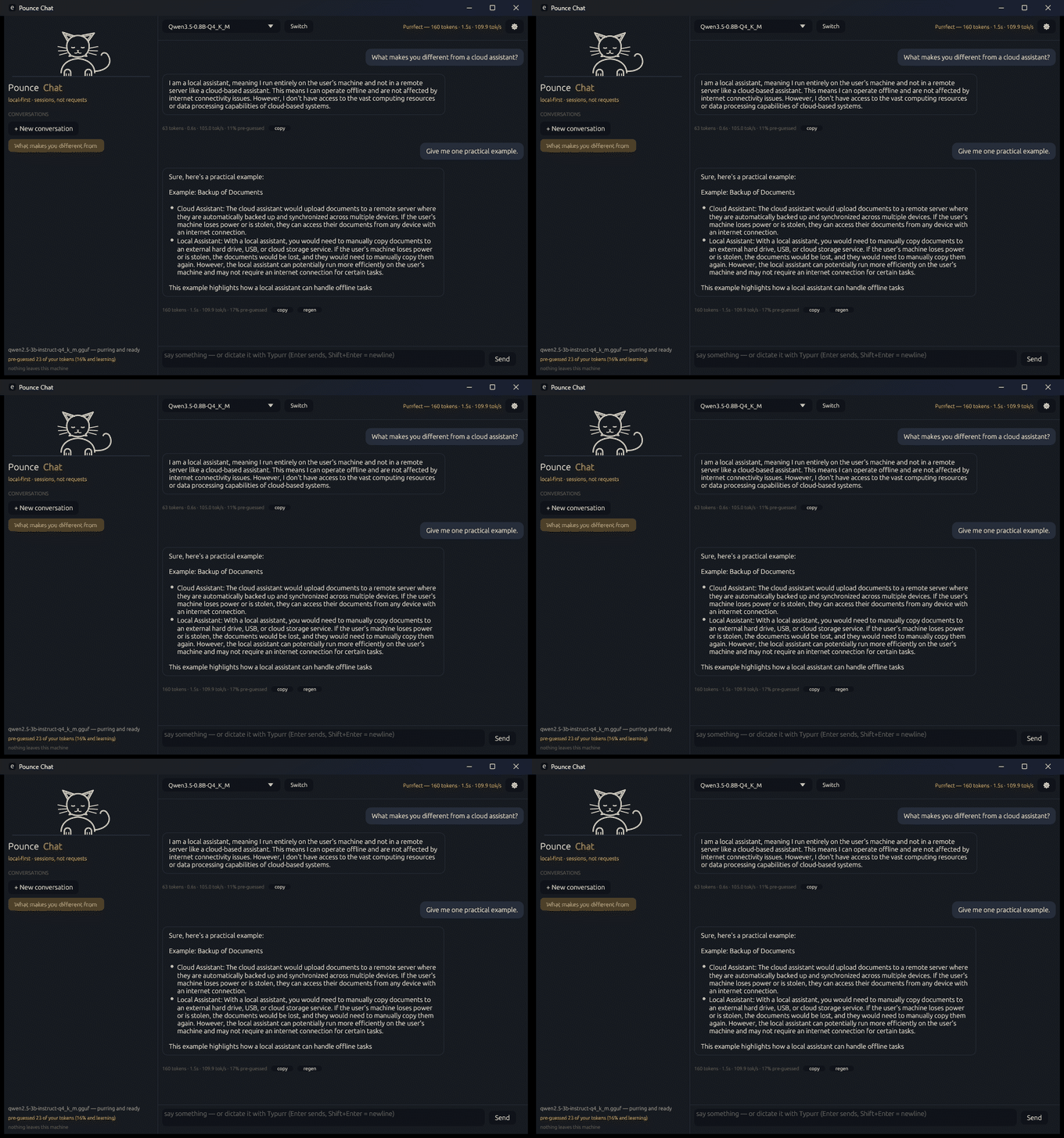
Load any GGUF from a dropdown of what's on disk, or download one from Hugging Face. Chat with streaming, multiple conversations that persist, a Stop button that actually stops, and a cat that purrduces while it thinks. Flip one switch and it's an OpenAI-compatible API on port 1234 — point any existing client at it unchanged.
# headless — model + API, no window
POUNCE_MODEL=C:\models\your-model.gguf POUNCE_API=1 pounce-chat.exe

# then from anything that speaks OpenAI:
curl http://127.0.0.1:1234/v1/chat/completions \
  -d '{"messages":[{"role":"user","content":"hello"}]}'
The "MoE experts in RAM" toggle is how the 35B runs on 12 GB — big models, small VRAM, one checkbox.
Download
Two builds. Every GPU.
Same app, same engine, same numbers-first attitude — pick the build that matches your graphics card. Unzip, run pounce-chat.exe, click the starter-model button if you don't have a GGUF yet.
NVIDIA — CUDA build
The build every number on this page was measured on. Fastest path on GeForce/RTX cards; the "MoE experts in RAM" trick for oversized models was benched here.
Download pounce-chat-portable.zip
or scoop install https://raw.githubusercontent.com/typurrapp/pounce/main/pounce.json
AMD · Intel · others — Vulkan build
The same engine on the GPU you already have: Radeon, Arc, and integrated graphics. Built on clean CI runners from the same source, attached to the same release — live now.
Both are Windows portable zips (no installer, no admin). SHA-256 checksums live on the release page. Models download to %APPDATA%\Typurr\models and are shared with Typurr.
The family
Built for Typurr, released for everyone.
Pounce is the engine under Typurr — the local dictation app where your voice never leaves the machine. The dictation app taught the engine what one-user inference really needs; the engine gives every app the speed. Both open source, both MIT, both 100% indoor.